
Recommended

W820NB TEST

W240TN TEST ทดสอบ###&&&

MS50A

ดู 300% การเติบโต

Popular_Searches

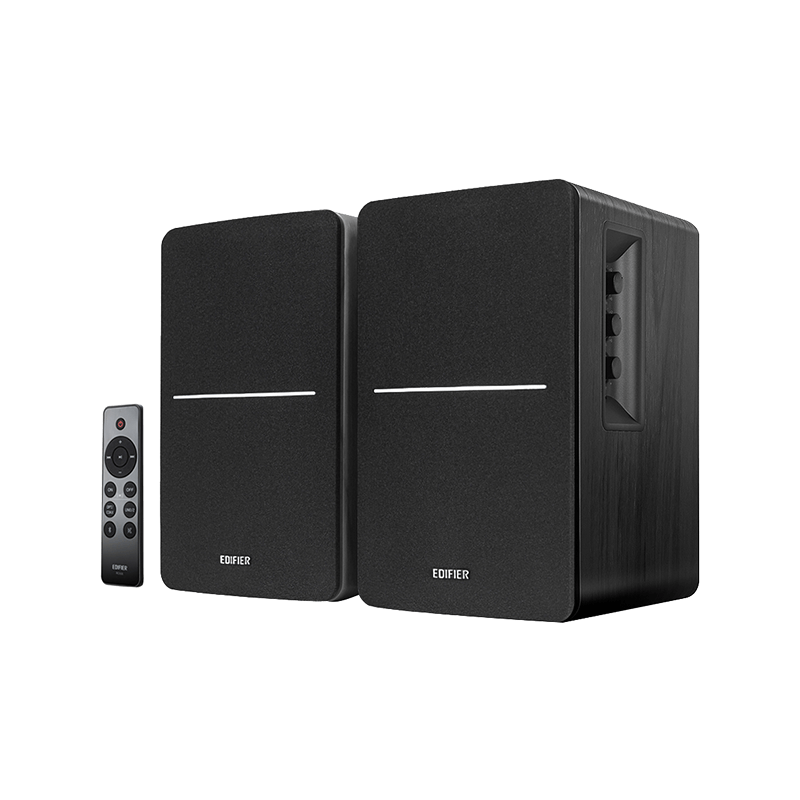
R1280DBs ลำโพงชั้นวางหนังสือ Bluetooth แบบแอคทีฟ
Select_Colour: สีดำ

R1280DBs

Buy_Now
Nav_Back_to ลำโพง
Product_Overview
Product_Specification
faq
Product_Support

การควบคุมที่สะดวก

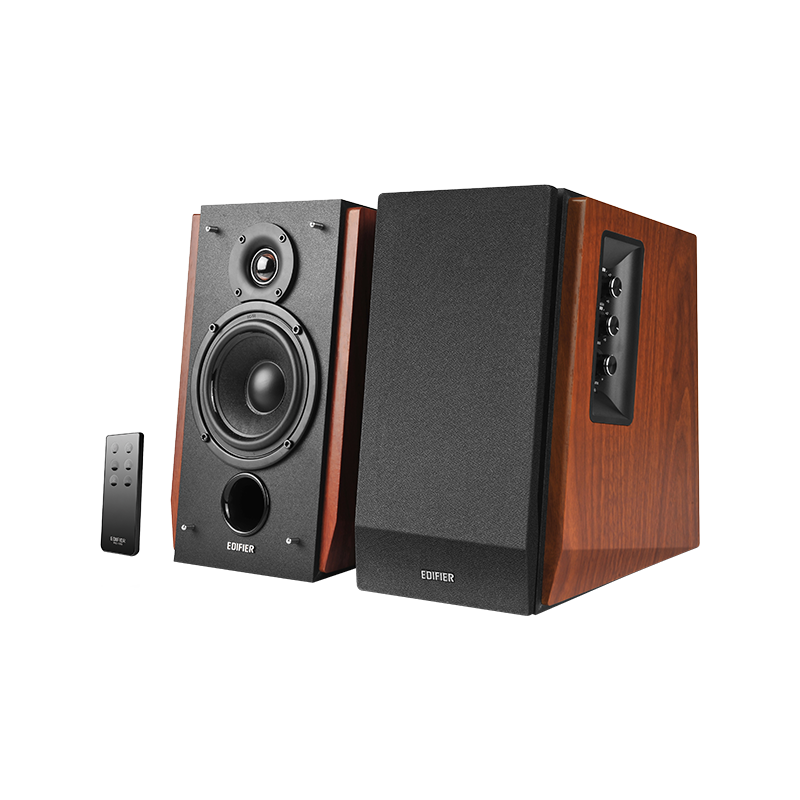
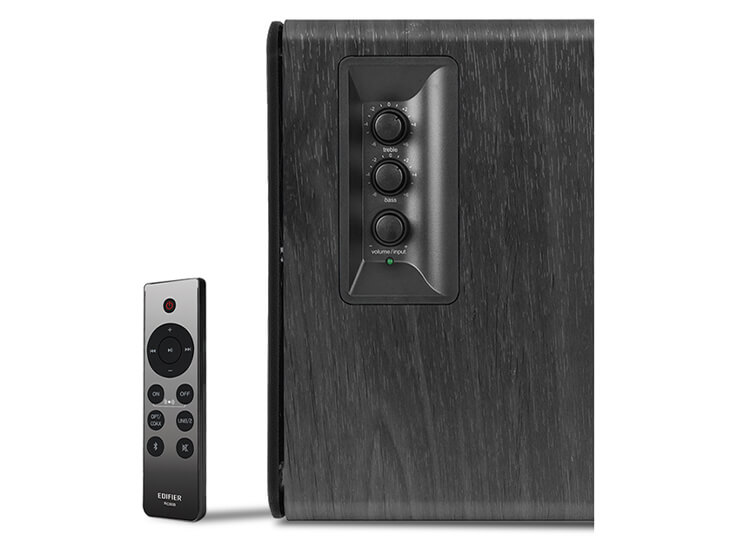
Use the remote control or knobs on the right panel for easy control of full functions.

อินพุตหลายพอร์ตและช่องต่อเบส

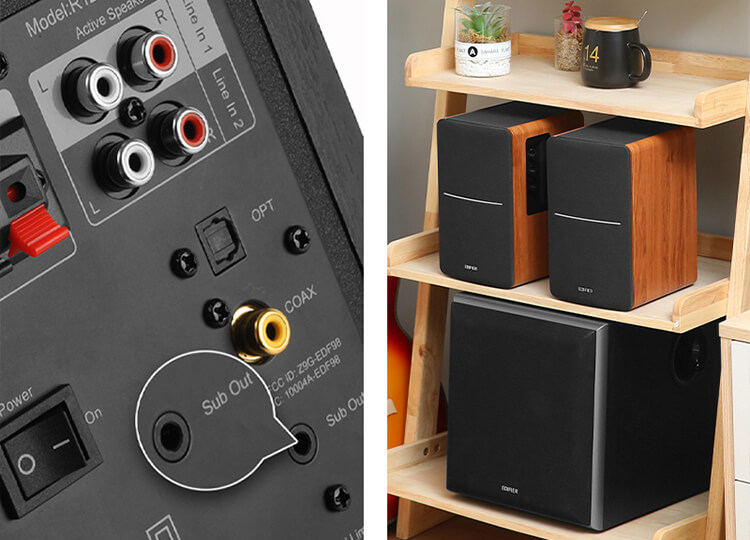
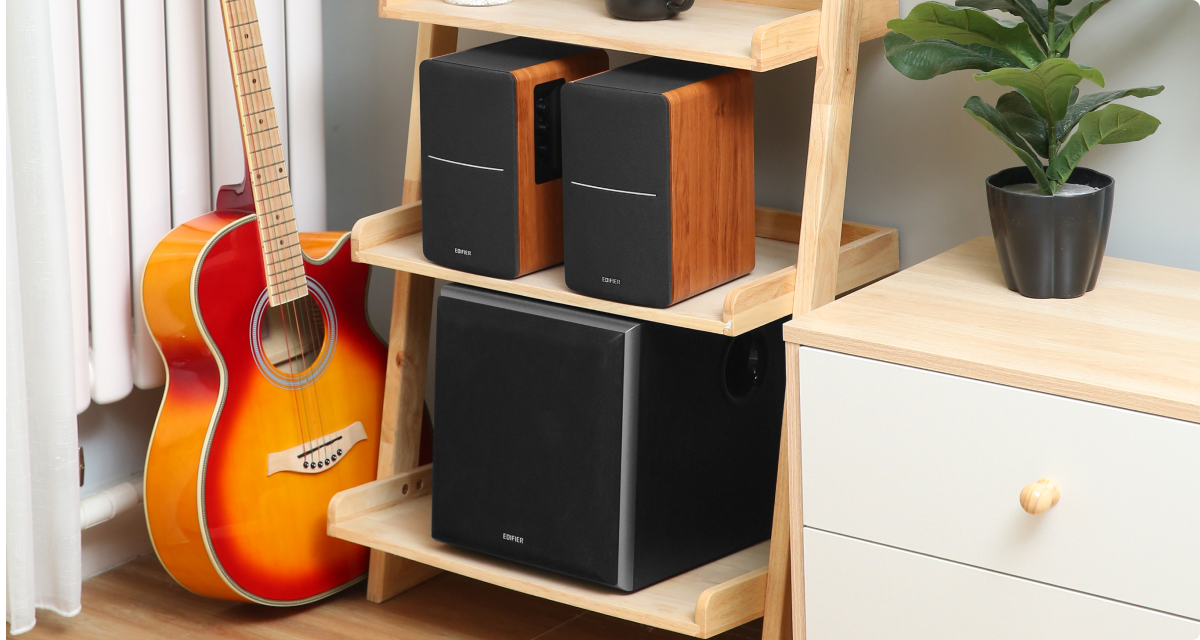
Line In, Coaxial, and Optical ports are ready for the connection with multiple devices. To scale up to a 2.1 music system, connect a subwoofer to the Sub Out port and then enjoy more powerful bass output.

ตู้ไม้คลาสสิก

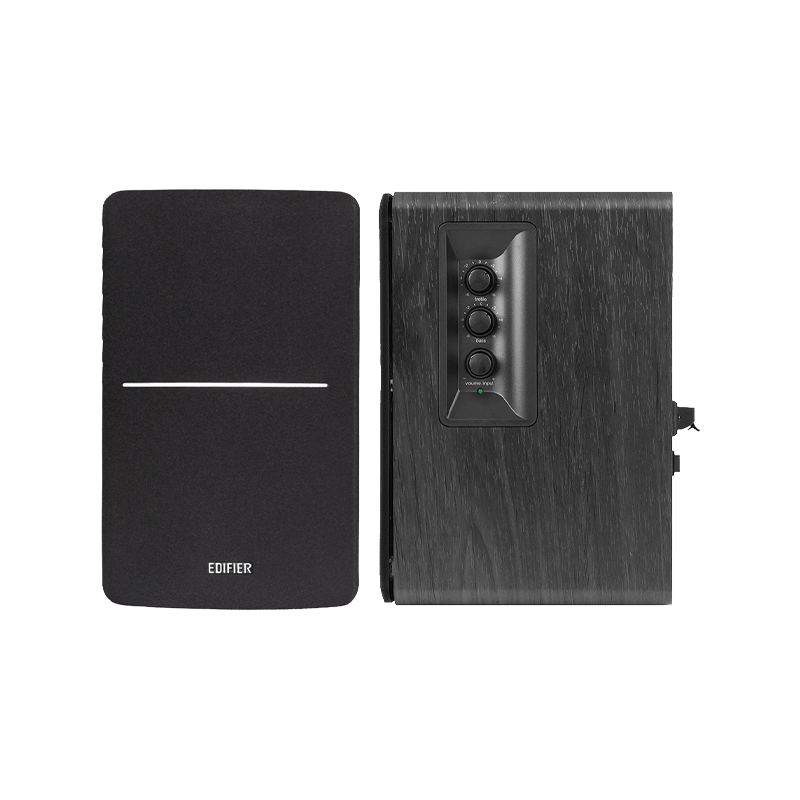
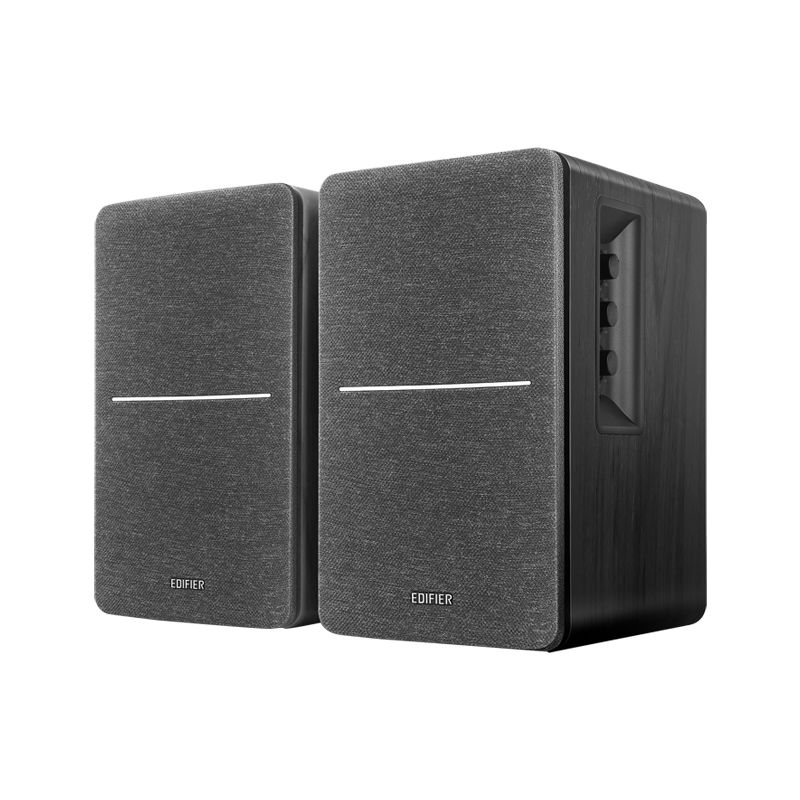
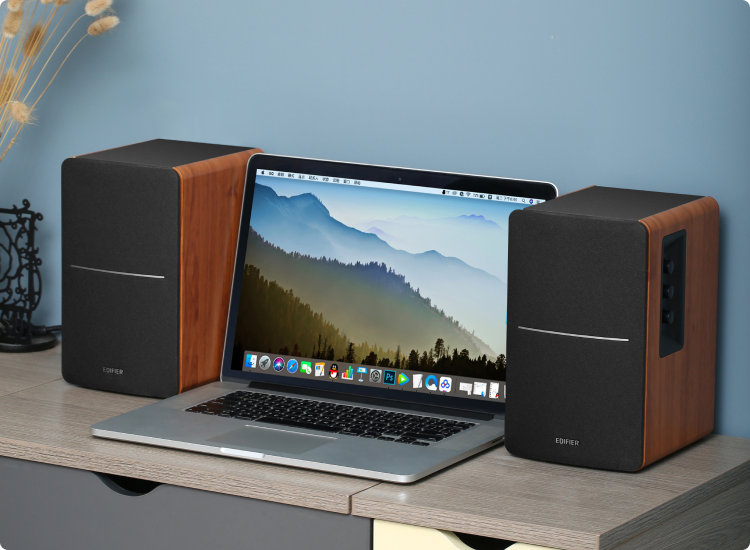
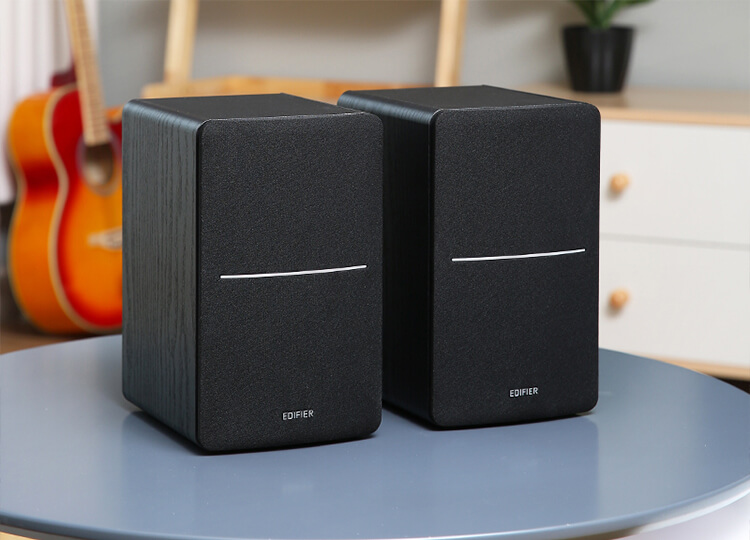
Quality wooden enclosure minimizes acoustic resonance and further reduces distortion. The classic design complements any home decor as well.

คุณภาพเสียงที่ยอดเยี่ยม

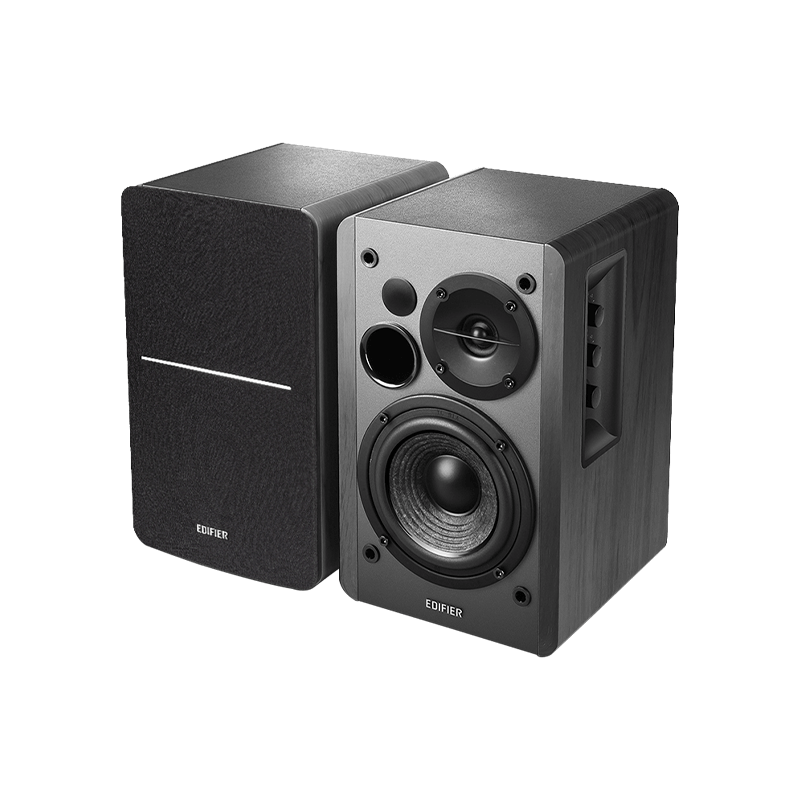
With the enrichment of 2-way active crossover control, this product is perfectly tuned to satisfy your pursuit of quality sound. Two 4-inch mid-range / bass drivers create rich lows. Meanwhile, two 0.5-inch silk diaphragm treble drivers produce crisp highs.

เสียงเติมเต็มห้อง

With 4 driver units, this product can produce 42 watts (RMS) output power, best fitting any space in your house for a great listening experience.

Product_Specification

อัตราส่วนสัญญาณต่อสัญญาณรบกวน:

≥ 85dB(A)

ขนาด (W x H x Dmm):

196 × 146 × 234mm

Total_Output_Power_RMS:

21W + 21W

Driver_Units:

4" (Mid-range and bass) + 0.5" (Treble)

Frequency_Response_No_Group:

51Hz - 20kHz

Audio_Inputs:

Bluetooth, Line In, Optical, Coaxial

lnput_Sensitivity:

LINE In 1 R/L: 500 ± 50mV
LINE In 2 R/L: 600 ± 50mV
Optical / Coaxial R/L: 350 ± 50mFFS
Bluetooth R/L:700 ± 50mFFS

Net_Weight:

4.9kg

faq
ทำไมผม/ฉันถึงไม่ได้ยินเสียงใดๆ?

โปรดตรวจสอบดังต่อไปนี้:
1) ไฟแสดงสถานะพลังงานควรจะต้อง ON
2) ลองปรับเพิ่มระดับเสียง
3) ตรวจสอบให้แน่ใจว่าสายสัญญาณเสียงเชื่อมต่ออย่างถูกต้อง
4) ตรวจสอบให้แน่ใจว่าคุณตั้งค่าอินพุตที่ถูกต้องบนลำโพงแล้ว
5) แหล่งสัญญาณเสียงควรส่งสัญญาณออกมา

ทำไมฉันเชื่อมต่อลำโพงผ่าน Bluetooth ไม่ได้?

โปรดตรวจสอบดังต่อไปนี้:
1) ตรวจสอบให้แน่ใจว่าลำโพงของคุณอยู่ในโหมด Bluetooth และยกเลิกการเชื่อมต่ออุปกรณ์อื่น ๆ จากลำโพง
2) ตรวจสอบให้แน่ใจว่าระยะการส่งสัญญาณอยู่ภายใน 10 meters
3) ลองใช้เครื่องมือ Bluetooth อื่นเชื่อมต่อ

ทำไมฉันเปิดลำโพงไม่ได้?

คุณสามารถเปิดลำโพง Edifier ได้ด้วยหนึ่งในวิธีต่อไปนี้:
1) ต่อพลังงานหลักให้กับลำโพงของคุณ
2) เปิดสวิตช์ที่เต้ารับผนังของลำโพงของคุณ

ทำไมจึงมีเสียงรบกวนออกมาจากลำโพงของฉัน?

โปรดสลับระบบของลำโพงเหล่านี้ไปที่โหมดแอคทีฟ และถอดแหล่งสัญญาณเสียง จะไม่มีปัญหากับลำโพงเหล่านี้หากคุณไม่สามารถได้ยินเสียงรบกวนจากระยะ 1 meter

1.376391s