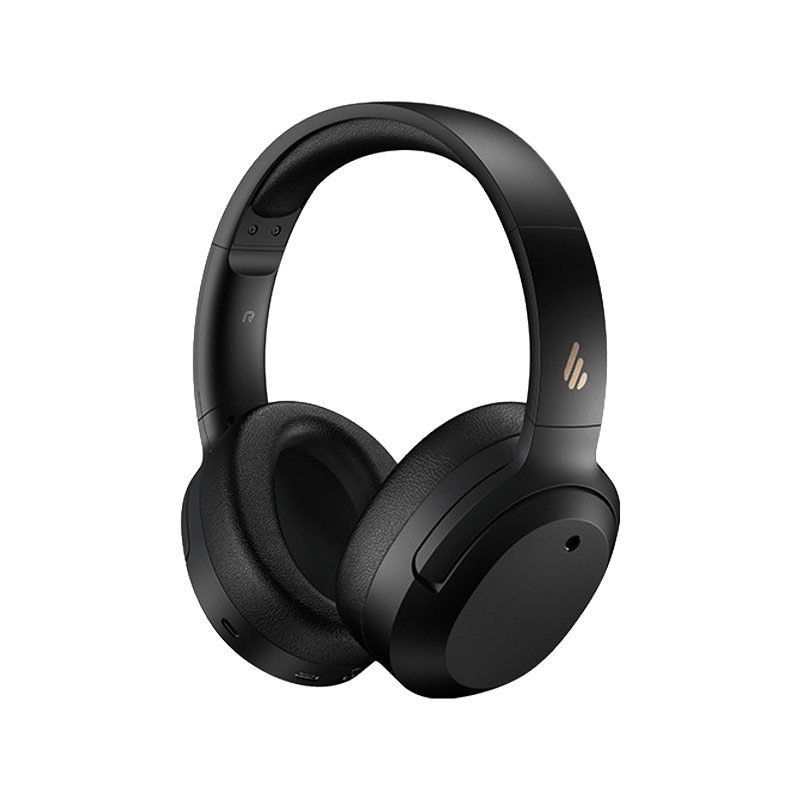
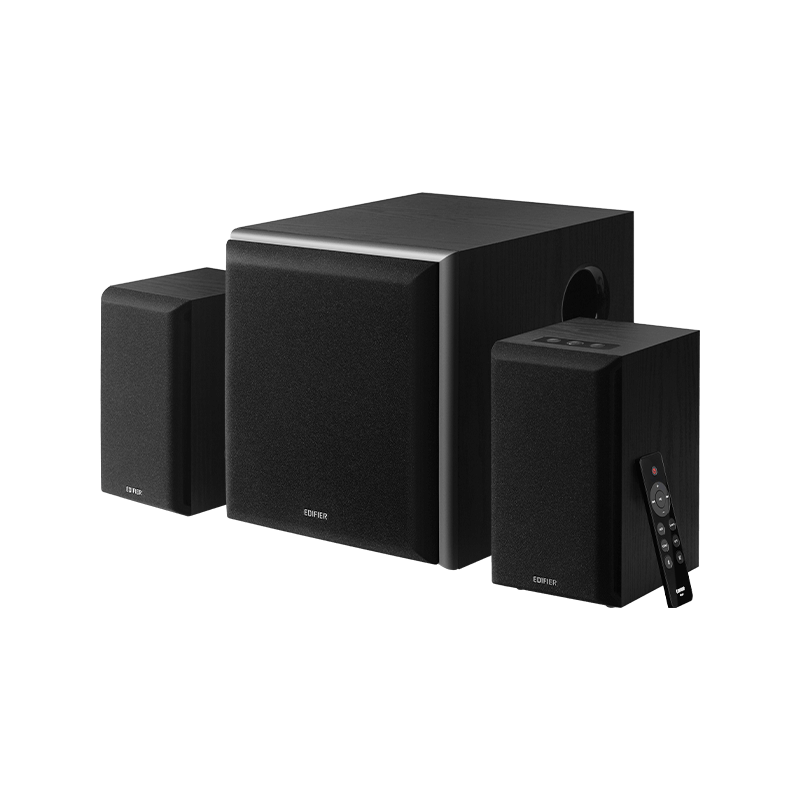
- Écouteurs True Wireless All Écouteurs True Wireless
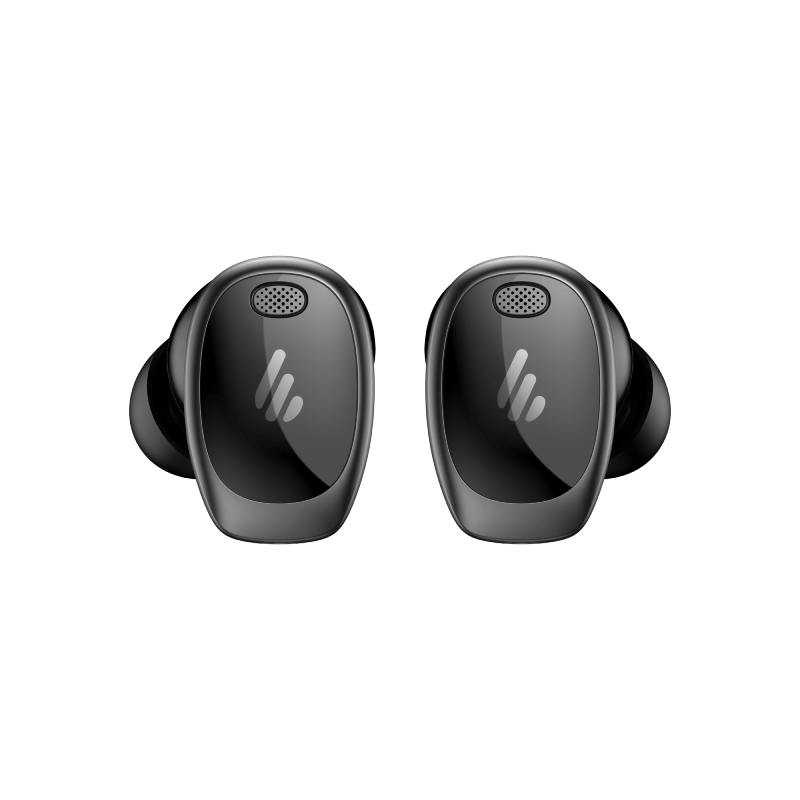
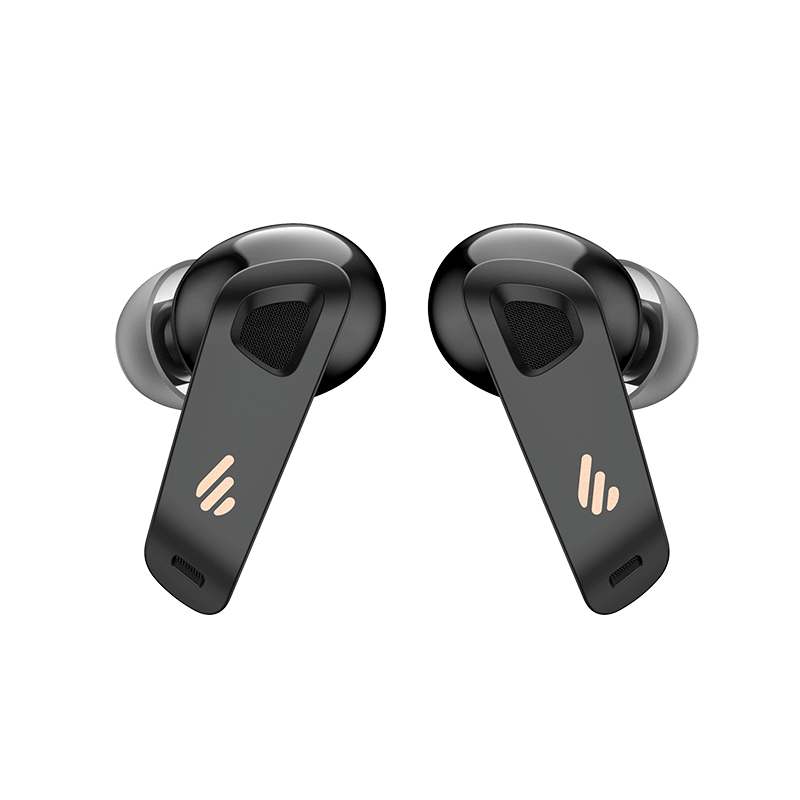
- Casques circum-auraux et supra-auriculaires All Casques circum-auraux et supra-auriculaires
- Casques filaires All Casques filaires
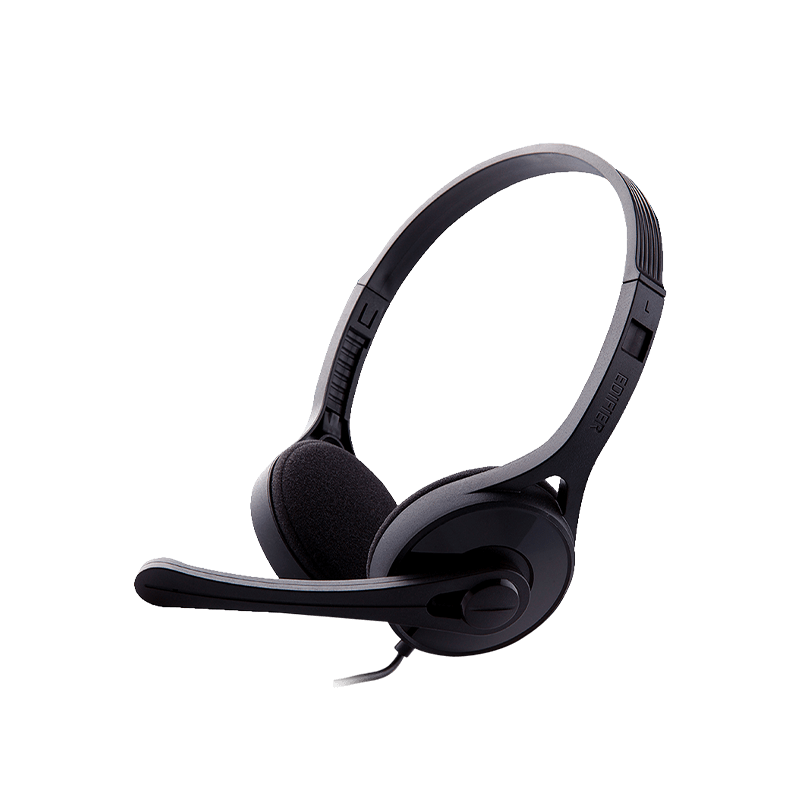
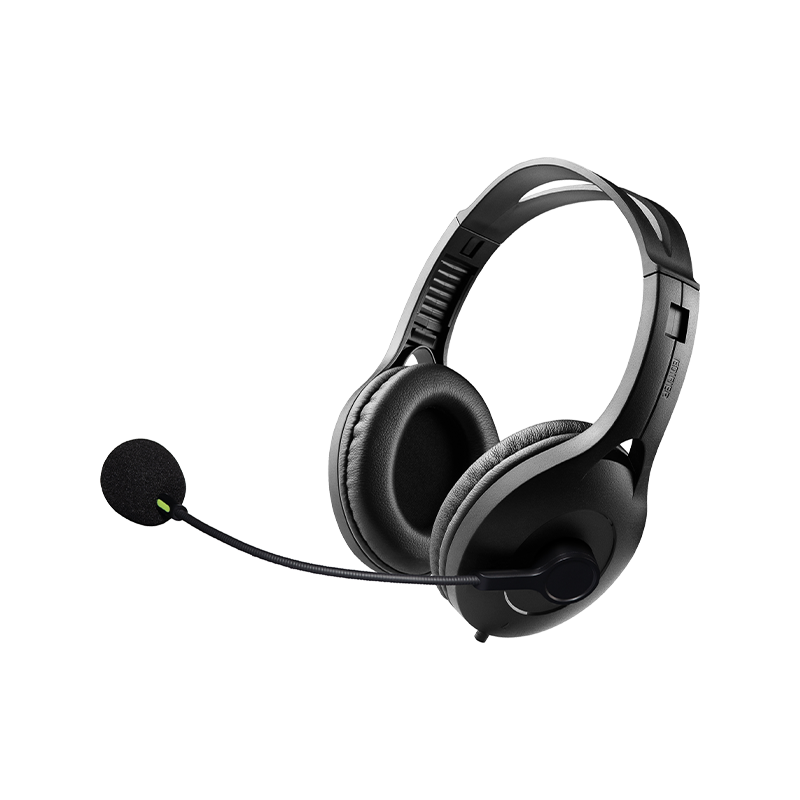
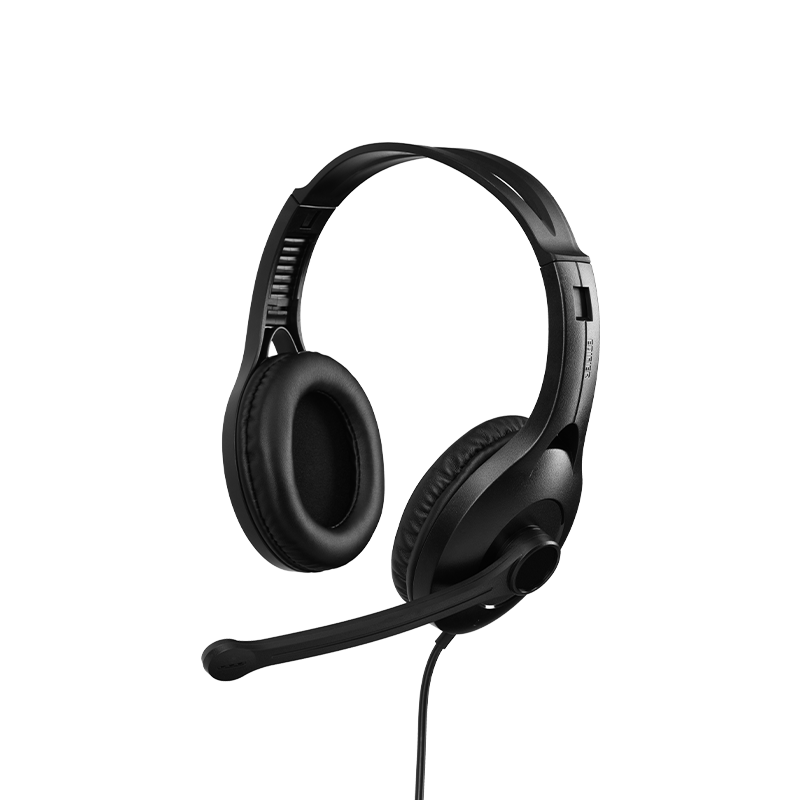
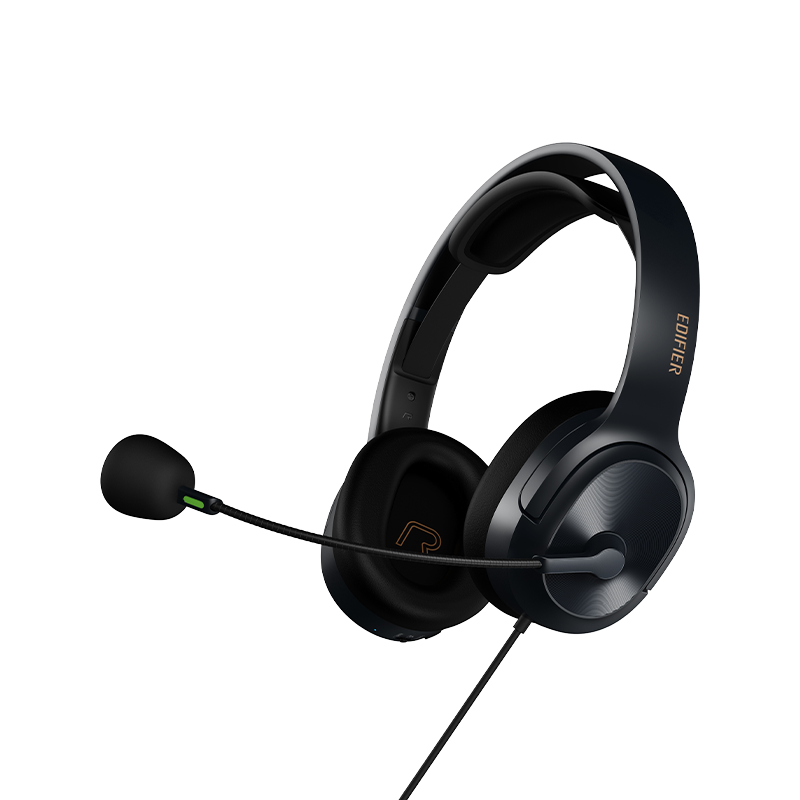
- Casques sans fil All Casques sans fil
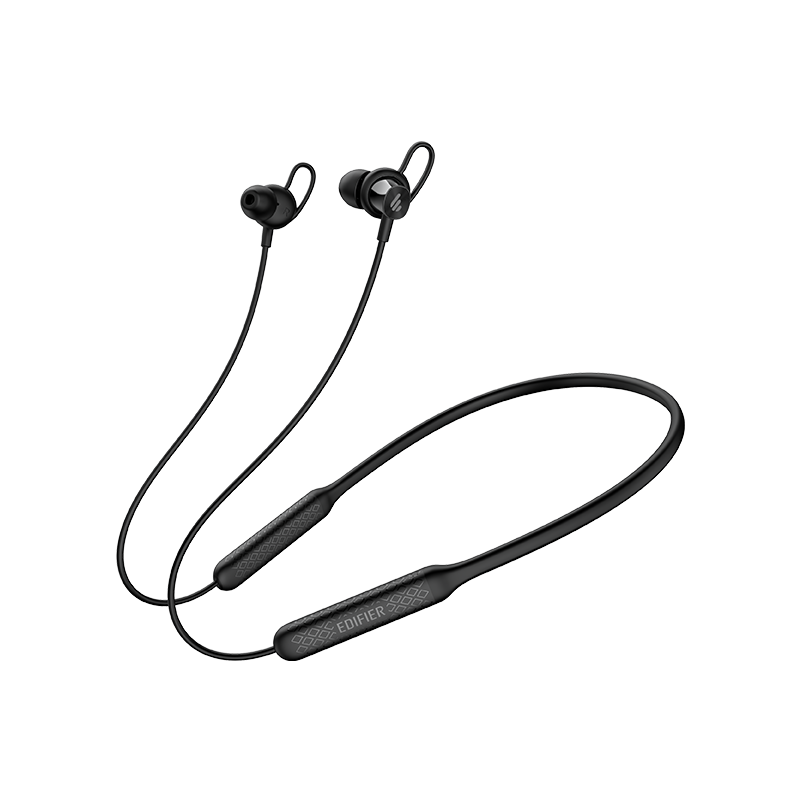
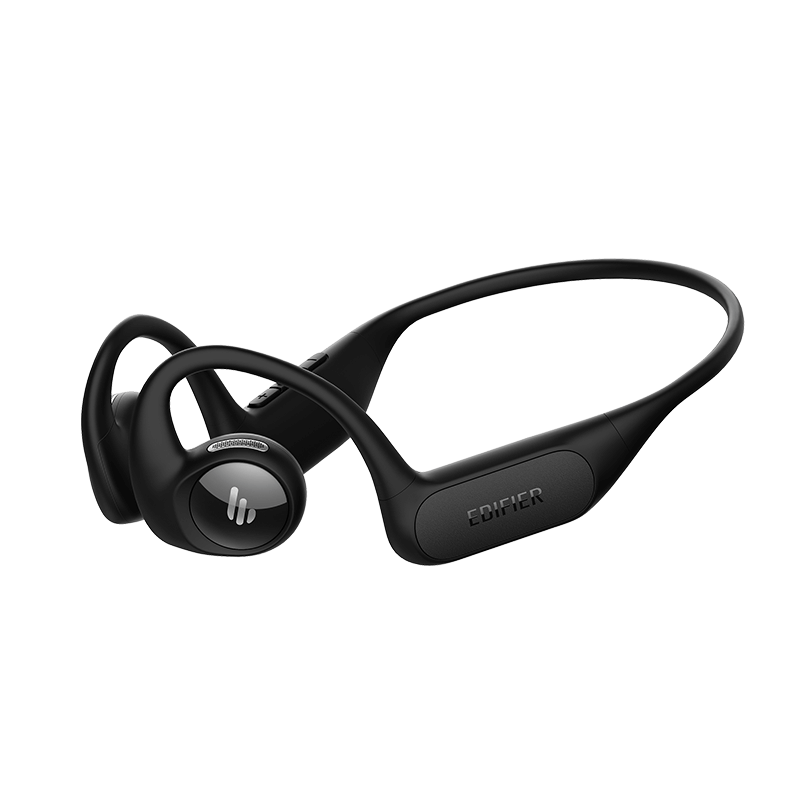
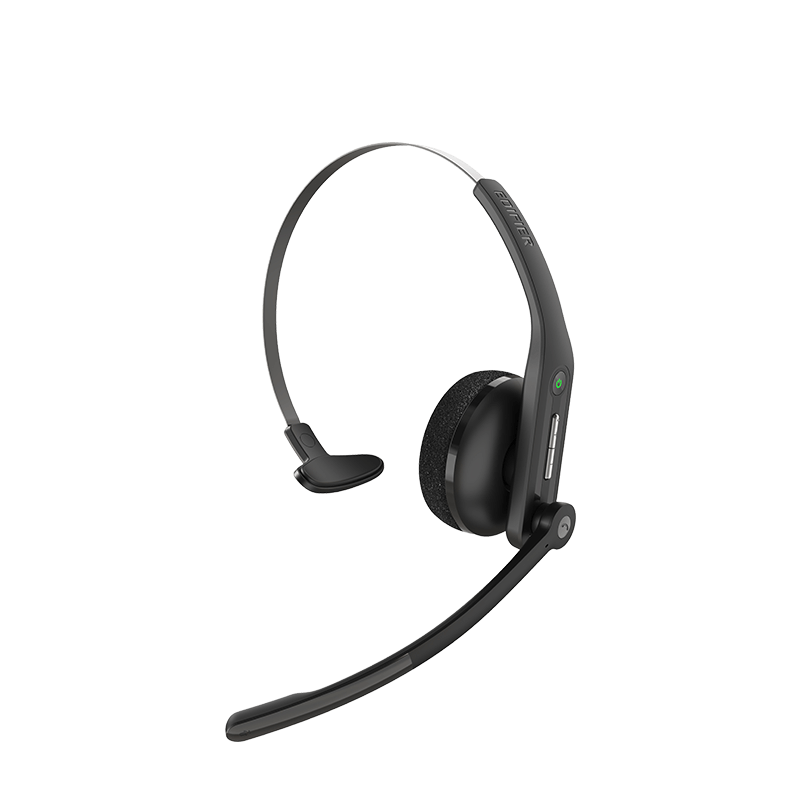
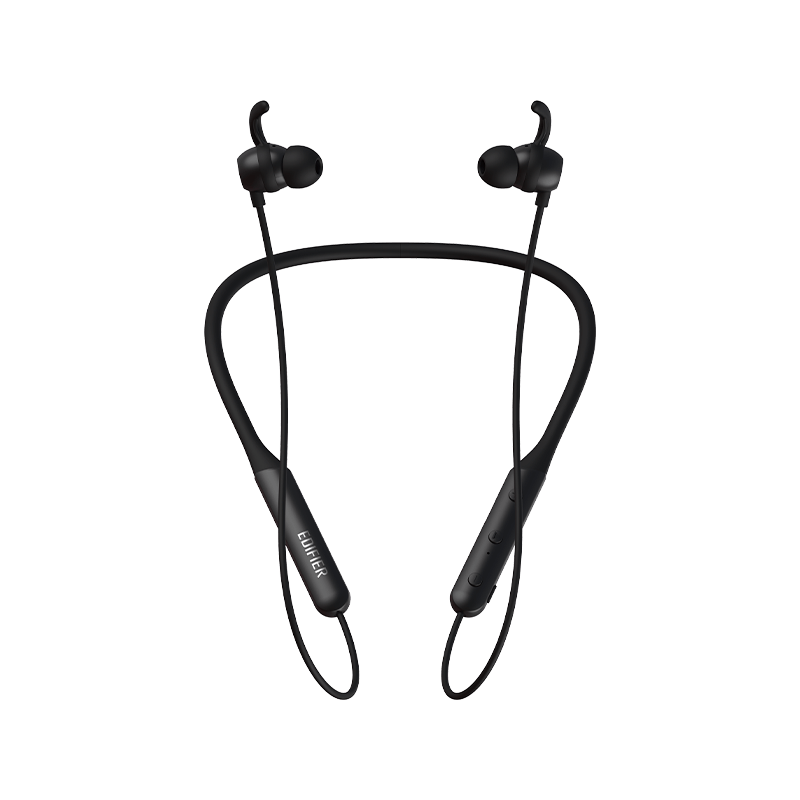
- collection


1. Check if the speaker is ON.
2. Try to turn up the volume using the volume control or remote control.
3. Ensure the audio cables are firmly connected and the input is set correctly on the speaker.
4. Check if there is a signal output from the audio source.
Please unplug the audio cables and turn the volume up. If no sound can be heard at 1 meter away from the Edifier speakers, then there is no problem with this product.
Check if the main power is correctly connected, or if the wall outlet is switched on.
1. Make sure the speaker is switched to Bluetooth input. If it is in other audio input modes, Bluetooth will not connect. Disconnect from any Bluetooth device by pressing and holding the button, then try again.
2. Effective Bluetooth transmission range is 10 meters; please ensure that operation is within that range.
3. Try another Bluetooth device for connection.
After-sales service information
If the product has a performance failure during the effective warranty period, you may apply for product warranty service.